
House Guide
We want your stay at Seacroft to be as comfortable and convenient as possible. We have put together this guide to answer any questions you might have.
If you have any issues at all please get in touch as soon as possible.


House Rules
- Please remove your shoes at the door and don’t wear them around the house.
- Please keep all towels inside the house – you should bring your own beach towels.
- Help yourself to equipment in the summer house. Please note we take no responsibility for any accidents or injury as a result of using this equipment.
- Please put garden furniture back inside the summer house after your stay.
- No parties.
- Please be considerate to our neighbours.
- Please report all breakages no matter how small.
- Please get in touch if you have any problems or issues.
- Loss of keys will result in a £10 replacement fee.
- Please empty your bins and recycling before departure.
- Please note that the house may not be safe or suitable for infants (under 2 years). The property is not child-proofed and contains two staircases without stair gates. Guests with young children should exercise caution and take this into consideration
Wi-Fi code
Wi-Fi code will be sent on checkin day. It is also written on a board in the dinning room.
Please let us know if you have any connectivity issues as the house has extremely thick walls so it may not reach every corner of the house. The router is in the Lounge.
KITCHEN
Keys
You got a set of keys from the outside key safe and the code will be sent to you on checkin day. There is a second set hanging by the front door (swivel the mirror to reveal them).
The key to the summer house can also be found here.
If you lock yourself out please get in touch.
Loss of keys will result in a £10 replacement fee.
Shoes
We don’t wear shoes in the house. Please remove your shoes at the door and help us keep our house clean.
Heating
The heating is controlled by a tado smart system. The radiators in the Dining room, Lounge and Master bedroom all have smart controls – just turn the knob to turn it up or down. We’d prefer it if you didn’t adjust the regular settings and timings.
Espresso Coffee Machine
The coffee machine is a Delonghi Dedica espresso machine.
- Switch on the machine at the button on the right-hand side. The lights stop flashing when it has heated up and is ready.
- Fill water at back.
- Put coffee in coffee thingy and twist close.
- To froth milk, put under the wand and trun the dial on the right opf the machine to DOWN and press the STEAM button on the top.
- Press the cup button to get coffee.
Single large cup = LARGE
Small double cups = SMALL
Please clean coffee dispenser filter after use
Bins & Recycling
The recycling bins can be found in the patio garden. We really appreciate it if you can put the bins by the gate the night before collection date. On departure, please ensure you put all rubbish and recycling into the garden bins.
Recycling and food waste is collected EVERY MONDAY.
Normal rubbish is collected EVERY OTHER THURSDAY.
For the latest timetable see: https://my.northdevon.gov.uk/service/WasteRecyclingCollectionCalendar
Green Food waste: the green food waste bin is for any food waste cooked or raw. Please use the small caddy in the kitchen and decant the compostable bags into the large food waste bin in the garden.
Green/black recycling box: paper/card, hard plastic trays (not black), tins and cans, squashed plastic bottles, clean aluminium foil.
Blue glass box: clean glass bottles and jars with lids.
Black wheelie bin: all other refuse including food waste and milk or juice cartons.
For a full list of what you can put in the recycling see https://www.northdevon.gov.uk/bins-and-recycling/what-goes-in-your-bin-box-or-bag
Dinning Room
In the side board you will find a collection of games, some cookbooks and a vacuum cleaner.
High chair
There is a folding high chair for you to use. Please ensure it is thoroughly cleaned before you leave.
LOUNGE
Television
We have a Roku device with guest mode enabled. Please note we do have a BBC licence but you will need to login to other streaming services.
What is Guest Mode?
As a guest, you can enjoy the following benefits when using Guest Mode:
1. Watch content on your own accounts. Sign into your favorite apps to watch content on your accounts.
2. Automatic and manual sign-out for data deletion. At 11:00 AM on the date you choose, you will be automatically signed out. All your credentials, viewing history, added apps, and more will be deleted.
3. Add new apps. Roku has 10,000+ apps to choose from to help you discover something new.
How to get started with Guest Mode
When you first use a Roku streaming device in Guest Mode, you will be greeted with a welcome screen prompting you to choose the checkout date.

Press OK button on the Roku remote to Select checkout date
On the calendar, highlight your checkout date and press OK
Select the highlighted Checkout button to confirm the date
Note: The checkout time can not be changed from 11:00 am.
After starting your Guest Mode session, you will see the Home Screen menu.
You can add channels in Guest Mode the same way you would on your own Roku streaming device. Some apps let you stream content without signing in. In Guest Mode, you cannot make purchases that are billed to your host’s Roku account. You can only make purchases when you sign in to an app where you have a payment method on file.

Travel Cot
There is a travel cot for guest use. It is stored folded up under the bed in the master bedroom (top floor). Please note you will need to provide your own bedding.
Bathroom
Hanging switch
One of the hanging switches is for the light (wooden knob) and the other is for the extractor fan (blue fish).

Extractor Fan
You switch on the fan with the blue fish hanging switch by the door. It will stay on while the light is on. Pleae leave it on al the time if possible.
Bath/shower tap
The tap in the bath is dual function. On the left side you push it FORWARDS to turn on the SHOWER, and TOWARDS YOU to turn on the bath tap.
Please make sure the tap isn’t dripping when you turn it off.
Bathroom Window
It’s a good idea to open the bathroom window to let out condensation.
Windows
Most of the windows in our house are original and so don’t have safety glass or double glazing. This means they are a bit delicate.
Windows in the lounge and bedrooms are nailed to restrict opening. This is for guest safety.
The windows on the top floor at the back (hall and bathroom) are on the ground floor level. Please ensure they are closed and locked whenever you go out.
GARDEN
Our patio garden is for your use. There is a table and chairs in the summer house (key is in the key box in the kitchen). Please can you put the furniture back in the summer house on your departure?
Feel free to use the beach stuff and equipment. We take no responsibility for accident or injury while using this stuff.
Parking
There is free on-street parking in Osborne Road and in most adjacent streets. Osborne Road is very narrow in places so please be considerate about parking if you have a large vehicle.
Opposite the house is a small drive for Melody Cottage – it is in constant use so please don’t park over it.
There is a free car park in Lidl for 90 mins (5 mins walk).
The nearest paying car park is Wilder Road Car Park.
Ilfracombe Travel Guide

Exploring the Hidden Gems of Woolacombe Beach and Mortehoe Beache
Woolacombe and Mortehoe offer a range of idyllic beaches suitable for families, surfers, and dog owners. Whether you’re soaking up the sun on Woolacombe Beach or exploring the hidden treasures of Barricane, each destination provides a unique seaside adventure.
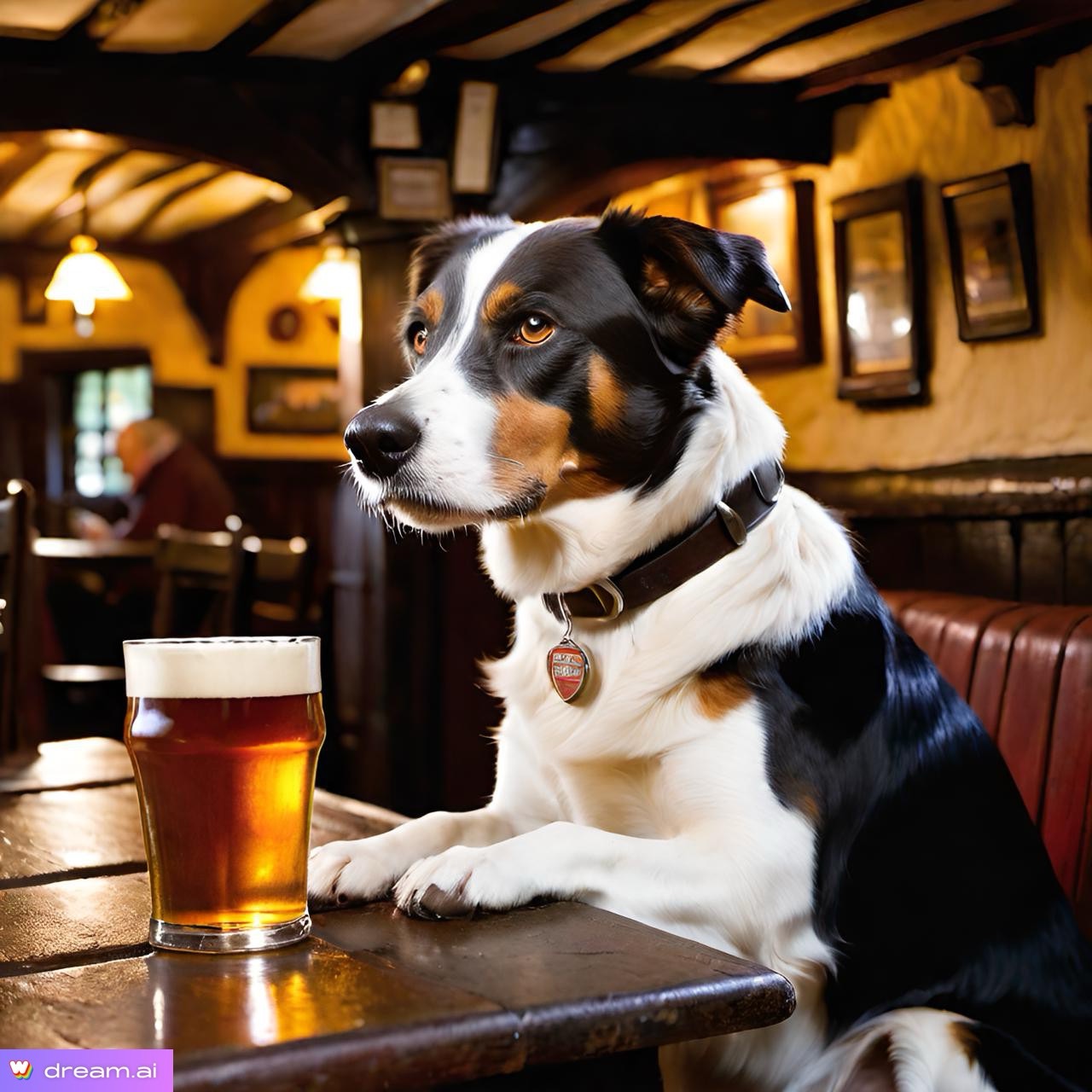
Paws and Pints: Exploring Coastal Walks and Dog-Friendly Pubs in Ilfracombe.
Ilfracombe, a charming seaside town nestled on the rugged North Devon coast, has long been a favorite destination for dog owners seeking a perfect blend of coastal beauty and pet-friendly hospitality. Let’s embark on a journey through some of the most welcoming…